 RoomDisk
One place at home for the whole family’s photos
Turn an old tablet or computer into the family’s spare disk. Everyone pairs once, sends photos from their own phone, and gets space back, without a family cloud plan.
Why it fits
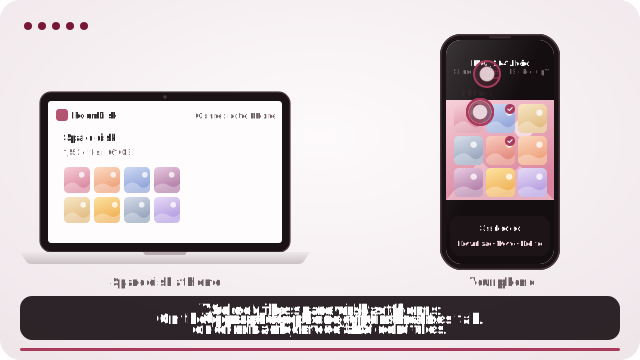
- Works with iPhone and Android in the same family.
- A folder per device, so photos stay organised.
- Pair once, tick Remember, and it reconnects next time.
- Nothing leaves the house: files go directly to the disk.
- Grandparents can browse the disk on the tablet itself.
How it works
- Open roomdisk.com/app on the device that will keep the files and choose Use this device as the spare disk. It shows a QR code.
- On the phone or computer with the files, scan that code. A phone’s Camera app works: tap the roomdisk.com link that pops up. RoomDisk opens and shows its own code.
- On the spare disk, tap Scan reply and hold the phone’s screen up to its camera. (No camera there? Tap Share reply on the phone and open it on the disk device.)
- Both screens say Connected. Choose files and send. Each file is checked when it lands.
Getting started
Set up the disk once following use an old iPad as family photo storage, then help each person pair their phone.
Try it with the two devices you have
Free to start. Nothing to install, no account.