 RoomDisk
Google Photos storage full? Keep your photos on a device you own
Google accounts come with 15 GB of free storage shared by Google Photos, Gmail and Drive. When it’s full, new photos stop backing up unless you pay for more. A spare phone, tablet or computer can hold the originals instead.
How to do it
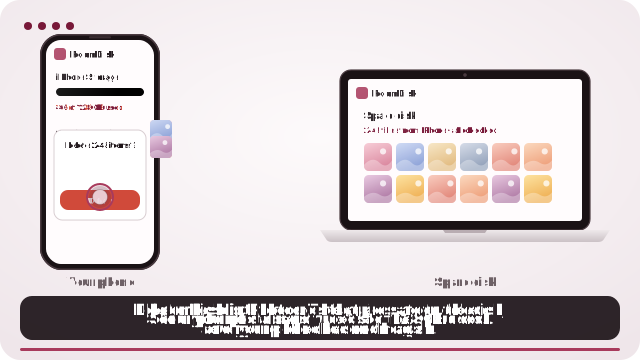
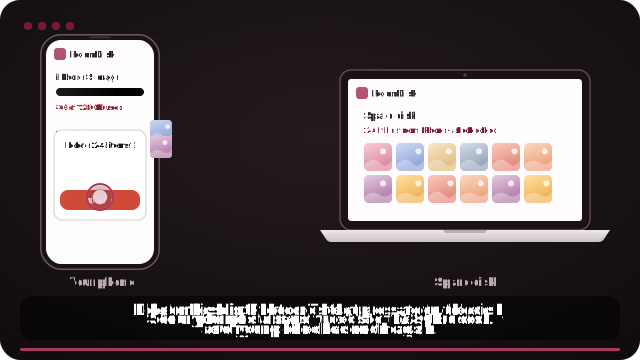
- Open roomdisk.com/app on the device that will keep the files and choose Use this device as the spare disk. It shows a QR code.
- On the phone or computer with the files, scan that code. A phone’s Camera app works: tap the roomdisk.com link that pops up. RoomDisk opens and shows its own code.
- On the spare disk, tap Scan reply and hold the phone’s screen up to its camera. (No camera there? Tap Share reply on the phone and open it on the disk device.)
- Both screens say Connected. Choose files and send. Each file is checked when it lands.
Why people switch to RoomDisk
- No monthly fee. RoomDisk is free; Pro is one payment.
- Originals, unchanged, kept on your own device.
- Works between Android and iPhone, Windows and Mac.
Google Photos also gives you search and sharing across devices. Many people keep using it for recent photos and move the big archive to a spare disk.
Google Photos and Gmail are trademarks of their owners. RoomDisk isn’t affiliated with them.
Try it with the two devices you have
Free to start. Nothing to install, no account.