 RoomDisk
Back up your iPhone photos without iCloud
iCloud gives 5 GB free, and photo libraries outgrow it fast; Apple has also raised iCloud+ prices in the UK and several other countries. If you have another device (an old phone, a tablet or a computer), it can hold your photos instead, for free, with every file checked.
How to do it
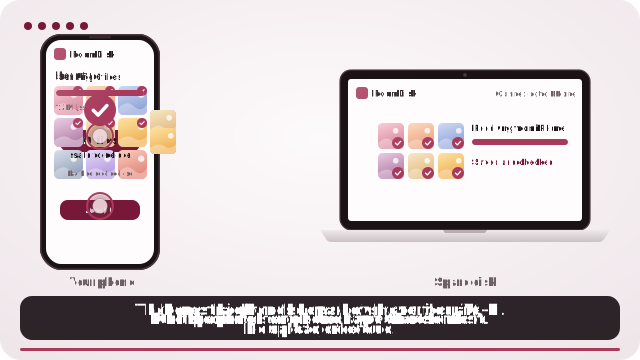
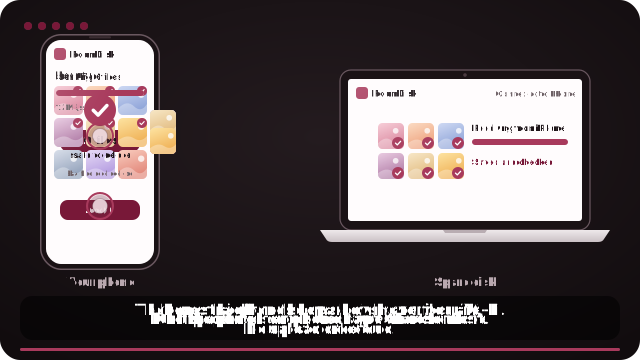
- Open roomdisk.com/app on the device that will keep the files and choose Use this device as the spare disk. It shows a QR code.
- On the phone or computer with the files, scan that code. A phone’s Camera app works: tap the roomdisk.com link that pops up. RoomDisk opens and shows its own code.
- On the spare disk, tap Scan reply and hold the phone’s screen up to its camera. (No camera there? Tap Share reply on the phone and open it on the disk device.)
- On the iPhone, tap Choose files and pick your photos and videos.
- When it says safe to delete, open a few files on the disk before removing anything from the iPhone.
Why people do this instead of paying for iCloud
- No monthly fee. RoomDisk is free; Pro is a single payment, not a subscription.
- Your photos stay with you, on a device you own; nothing is uploaded.
- Proof, not promises: every file is fingerprinted (SHA-256) on both devices.
See what iCloud+ adds up to over the years
This is a copy, not an automatic backup
iPhone doesn’t let web pages run in the background, so RoomDisk copies the photos you choose while it’s open. It copies photos, videos and files, not app data, messages or settings. Many people keep a small iCloud plan for settings and put the big photo library on a spare disk.
On iPhone, for exact originals, tap Options in the photo picker and choose Current, or pick from the Files app. Otherwise iPhone may send converted copies (for example JPEG instead of HEIC).
Keep two copies of anything irreplaceable
One old phone is one point of failure. After a send, open Details and tap put these on another spare disk too to copy the same photos to a second device. RoomDisk skips files a disk already has.
Questions
Does this replace iCloud Backup?
How long does it take?
Does it keep HEIC and Live Photos?
Is there a monthly fee?
Try it with the two devices you have
Free to start. Nothing to install, no account.